IPTV United States has become a practical way to build a flexible home-entertainment setup around live television, on-demand viewing, and high-resolution streaming. Instead of relying on one traditional channel package, viewers can use an internet connection and a compatible player to bring authorized live channels and video libraries together in one interface.
The best experience is not only about having more content. It is about consistent playback, a sensible device, a stable home network, clear billing, and a service that respects copyright and privacy. This guide explains the technology in plain language so you can compare options and create a smoother modern TV setup.

What Does IPTV Mean in the United States?
IPTV stands for Internet Protocol Television. It describes television or video delivered through an internet protocol connection rather than through a traditional cable, satellite, or over-the-air signal. Depending on the service, the experience may include live channels, catch-up viewing, video on demand, an electronic programme guide, or a mix of these features.
IPTV is a delivery method, not a guarantee that every provider is legal or reliable. A trustworthy service should explain what it offers, identify its business clearly, protect customer data, and provide content it is authorized to distribute. Users should also make sure that the playlists, channels, and recordings they access are lawful in their location.
How IPTV Works
The basic path is straightforward: a content source sends a stream to a server, the server delivers small data segments over the internet, and your app or device buffers enough segments to play them continuously. Your television, phone, computer, or streaming box then decodes the video and sends it to the screen. For IPTV United States viewers, that chain is only as strong as the weakest part of the setup.
- Content source: A broadcaster or authorized content owner prepares the live or on-demand programme.
- Delivery platform: The service packages the stream, guide data, and account access for its customers.
- Internet connection: Your router and internet provider carry the data to your home.
- Player: A compatible app reads the playlist or account details and displays the channels.
- Screen and audio: The TV, monitor, soundbar, or receiver turns the digital stream into the final viewing experience.
What Makes a Good IPTV United States Service?
When comparing providers, look beyond a large channel number. A dependable service is easier to recognize when several small details work together. A reliable IPTV United States service should make each part easy to verify.
- Stable playback: Streams should start quickly and recover gracefully when network conditions change.
- Transparent plans: Pricing, renewal terms, trial conditions, and cancellation rules should be easy to find.
- Device support: Confirm compatibility with your exact Smart TV, Fire TV, Android TV, Apple device, computer, or streaming box.
- Useful guide data: Accurate programme information makes a large library easier to browse.
- Responsive support: You should have a clear way to ask about activation, device compatibility, or account issues.
- Privacy and security: Use strong account credentials, avoid sharing playlists publicly, and prefer secure account pages.
Internet Speed and Home Network Requirements
Bandwidth is only one part of streaming quality. Latency, Wi-Fi interference, router placement, congestion, and the number of devices using the connection can matter just as much. The figures below are practical starting points rather than guarantees; leave extra headroom when several people stream, play games, or make video calls at the same time.
| Use case | Practical starting point | Helpful setup |
|---|---|---|
| Standard definition | About 5 Mbps per stream | Strong Wi-Fi signal |
| Full HD | About 10 Mbps per stream | Modern router and low congestion |
| 4K streaming | About 25 Mbps per stream | Ethernet or strong 5 GHz / Wi-Fi 6 |
| Several active streams | 50 Mbps or more of shared headroom | Prioritize the TV or use wired networking |
If a stream buffers while a speed test looks acceptable, test the TV next to the router and then test it with Ethernet. A wired connection often removes interference and roaming issues. If Ethernet is not practical, place the router in an open, central location and keep it away from thick walls, enclosed cabinets, and other radio devices.
Choosing a Device and IPTV Player
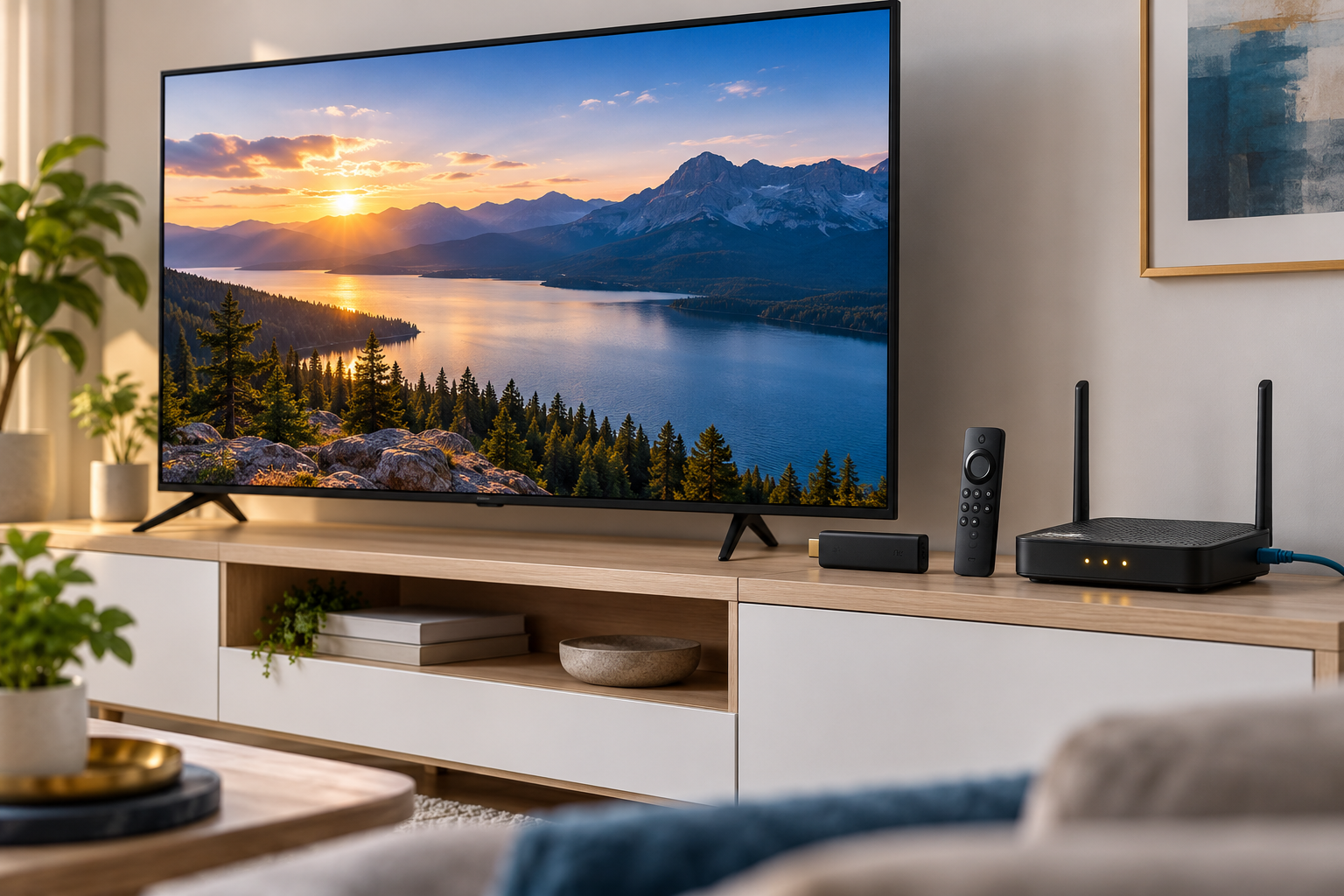
A current Smart TV may be enough for a simple setup, but a dedicated streaming box can offer faster menus, longer software support, and easier replacement. Before buying anything, check the exact operating system, app availability, supported video formats, remote-control experience, and whether the device can connect by Ethernet.
For a careful first setup, use the device manufacturer’s official app store whenever the matching player is available. Our IPTV Smarters Pro installation guide covers how to verify the right app and add an authorized playlist. If you use Fire TV, the FireStick setup guide explains the device-side steps without relying on unknown download mirrors.
4K, HDR, and 8K: What Actually Matters?
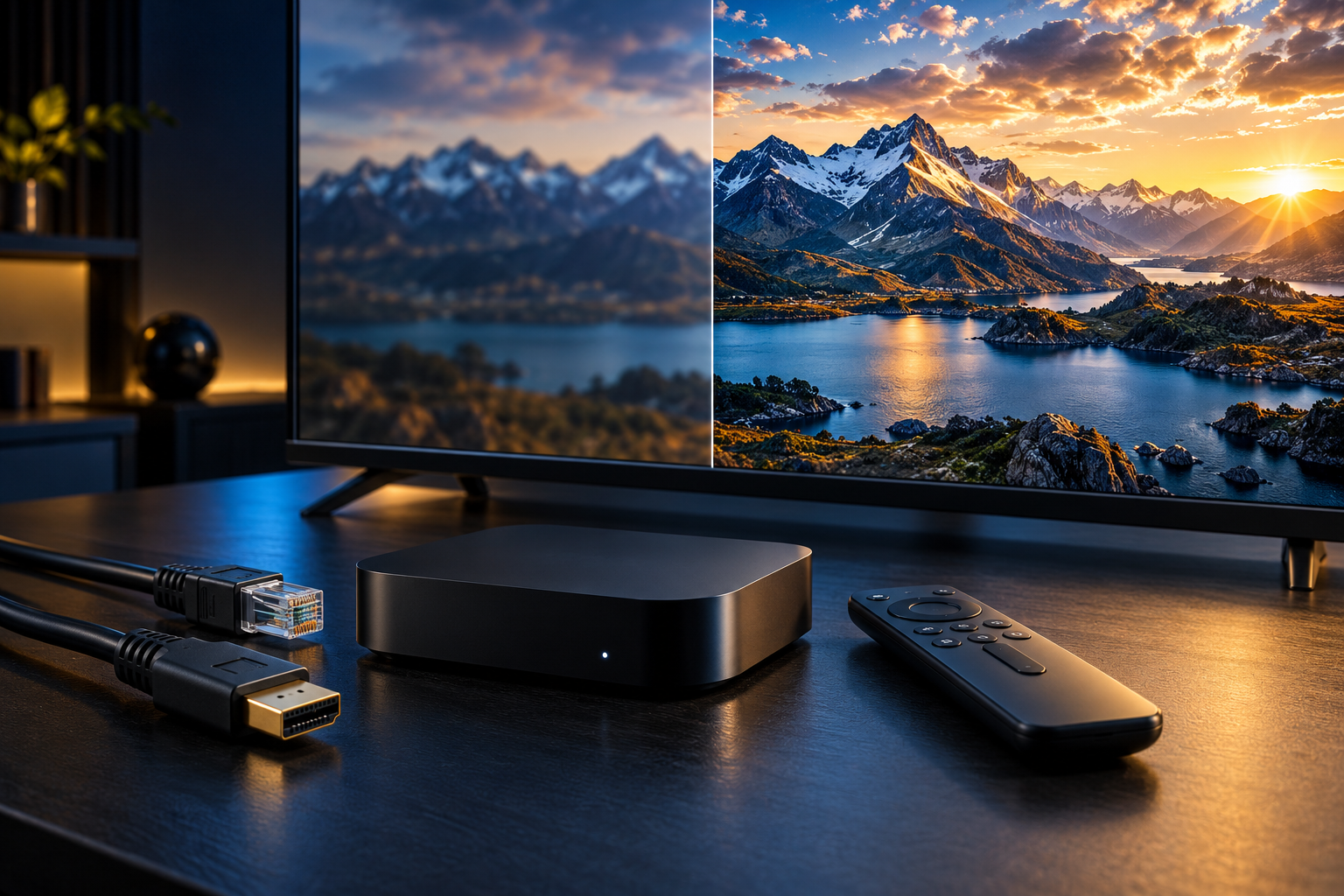
Resolution describes how many pixels a display can show, but it does not tell the whole quality story. A clean 4K stream with a stable bitrate can look better than a heavily compressed stream that claims a higher resolution. HDR support, frame rate, colour depth, the TV panel, and your viewing distance also influence the result.
For most homes, a stable 4K signal is the sensible target. 8K can be impressive on a large compatible display, but it demands more from the source, the network, the device, and the TV. Check that the service, player, HDMI connection, and display all support the same format before paying extra for a headline specification. In an IPTV United States setup, match the source resolution to the display instead of paying for a label the network cannot sustain.
Safe and Legal IPTV Use in the United States
Use IPTV services and playlists that you are authorized to access. Avoid offers that promise every premium channel for an unusually low one-time fee, hide the company behind anonymous payment pages, or ask you to install modified apps from random websites. Those patterns can expose you to service interruptions, malware, stolen credentials, or copyright problems.
Keep your account details private, use a unique password, update your device, and do not post an M3U link or login credentials in public forums. A VPN can improve privacy on an untrusted network, but it does not make unauthorized content legal and it cannot repair an overloaded provider or a weak Wi-Fi signal.
Step-by-Step IPTV Home Setup
- Measure the connection: Test the room where the TV will be used, not only the room where the router sits.
- Choose the device: Confirm app availability, video support, remote comfort, and wired-network options.
- Install the official player: Use the manufacturer’s store or the publisher’s verified instructions.
- Add authorized account details: Enter the playlist address, username, or password exactly as supplied.
- Test several types of content: Try a live channel, a high-resolution stream, and on-demand playback.
- Secure the setup: Update the device, use a strong password, and keep your account information private.
Common IPTV Problems and Practical Fixes
Buffering or sudden quality drops
Pause other heavy downloads, test Ethernet, restart the router, and compare more than one channel. If only one stream fails, the issue may be at the source rather than in your home.
Login details rejected
Check spaces, punctuation, the selected login format, and the account expiry date. Ask the provider to confirm that the server address and credentials are current. Never paste private login details into a public support thread.
Black screen or unsupported format
Update the player and device firmware, check the HDMI input, and confirm that the TV supports the selected resolution and HDR mode. If the screen works at a lower resolution, the original format may be beyond the device or cable’s capability.
Guide data is missing
Refresh the guide once, verify the time zone, and allow the app to finish syncing. Guide information comes from the source; a player cannot invent missing programme data.
A Simple Checklist Before You Subscribe
- Can you identify the provider and its support channel?
- Are the plan price and renewal terms clearly displayed?
- Does the service support your exact device?
- Is there a sensible trial or refund policy?
- Can your home network handle the number of streams you need?
- Are the channels and programmes supplied through authorized rights?
Frequently Asked Questions
Is IPTV legal in the United States?
IPTV technology is legal. The important question is whether the service has the right to distribute the channels and programmes it offers. Choose authorized sources and follow the laws that apply to your location.
Do I need a special television?
No. You can use a compatible Smart TV app, streaming stick, Android TV box, Apple device, computer, or game console. A dedicated box can be useful when the built-in TV software is slow or no longer supported.
Is 25 Mbps enough for 4K?
It is a practical starting point for one 4K stream, but real performance depends on compression, Wi-Fi conditions, household usage, and the quality of the source. Extra headroom is helpful when multiple devices are active.
Can IPTV replace cable?
For some households, it can replace part of a traditional package. Compare the channels you actually watch, local broadcast needs, sports rights, recording features, customer support, and total monthly cost before switching. A practical IPTV United States plan should still be judged by local channels, sports rights, recording features, and support.
Should I use Wi-Fi or Ethernet?
Ethernet is usually the most predictable option for a fixed television. Good Wi-Fi can work very well when the router is close, the signal is clean, and the network is not overloaded.
What should I do if a provider offers an unrealistically cheap package?
Slow down and verify the company, payment terms, privacy policy, support process, and content rights. A large promise at an unusually low price can carry a higher risk of outages, data loss, or copyright issues.
Final Thoughts
A strong IPTV United States setup is built from sensible choices: an authorized service, a compatible player, a stable connection, and a secure home network. Start with the experience you want, test the room where you watch, and choose dependable performance over an impressive but unverifiable channel count.
When you are ready to compare plans, visit the Strong8K pricing page. For more setup help, browse the installation guides and keep your player and device software up to date.
For network planning, consult the FCC Broadband Speed Guide for general speed guidance when comparing an IPTV United States setup.